AI PPT Summarizer
Summarize any PowerPoint presentation into an AI-powered mind map. Upload a PPTX file and extract the key messages in seconds.
Drop files here or click to browse
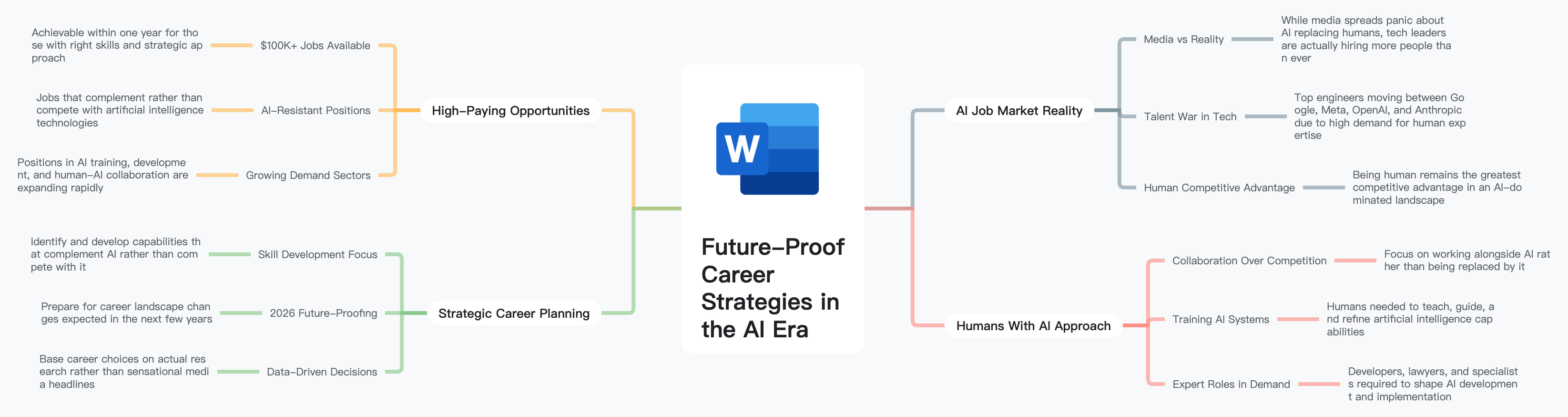
What is AI PPT Summarizer?
Turn dense slide decks into clear, concise mind maps. Our AI reads every slide in your PowerPoint file, identifies the main themes and key messages, and distills them into a single interactive mind map.
Full-Deck Analysis
Processes every slide — including titles, bullet points, and speaker notes — to build a complete picture of the presentation.
Theme Identification
Detects overarching themes and groups related slides together, revealing the presentation's narrative structure.
Key Message Extraction
Filters out filler content and highlights the core messages, data points, and conclusions that matter most.
How to Summarize a PowerPoint with AI
Transform any slide deck into a focused visual summary in seconds. Upload your file, let the AI analyze every slide, and receive an interactive mind map.
Upload Your PPTX File
Drag and drop your PowerPoint file or click to browse. Supports .ppt and .pptx formats.
AI Slide Analysis
Our AI reads all slides, speaker notes, and content structure to identify the presentation's core themes and key messages.
Review the Summary Map
Explore an interactive mind map that organizes the deck's main points, supporting details, and conclusions.
Export & Share
Download the summary as PNG, PDF, SVG, or Markdown, or share it with colleagues who missed the meeting.
Who Benefits from AI PPT Summarizer?
Our PPT summarizer helps anyone who regularly receives, reviews, or creates presentations and needs to quickly understand the key points.
Meeting Attendees
Quickly review presentation decks before or after meetings to stay aligned without sitting through every slide.
Students
Summarize lecture slides and class presentations to create focused study materials for exams.
Managers & Executives
Get the bottom line from team updates, strategy decks, and quarterly reviews without reading every slide.
Consultants
Rapidly digest client decks, industry presentations, and deliverables to prepare for engagements.
Sales Teams
Analyze competitor pitch decks, review product presentations, and prepare for client meetings efficiently.
Trainers & Educators
Summarize training materials, workshop slides, and course content into concise reference maps.
Why Choose AI PPT Summarizer?
Stop scrolling through endless slides. Our AI PPT summarizer extracts the key messages from any presentation and organizes them visually.
Skip the Slide-by-Slide
Get a complete overview of a 50+ slide deck in under a minute instead of clicking through every slide.
See the Big Picture
Mind map format reveals the presentation's narrative arc and how individual points connect to the main themes.
Nothing Gets Missed
AI processes every slide including speaker notes, ensuring key details are captured even from dense decks.
Free to Get Started
Sign up for 400 free credits — no credit card required — and start summarizing presentations immediately.
Frequently Asked Questions
Get answers to common questions about our free AI PPT summarizer and mind mapping tool.
Our AI PPT summarizer supports .ppt and .pptx files. Google Slides presentations can be exported as .pptx for analysis.
Yes, the AI processes all visible slide content including titles, body text, and speaker notes to ensure a comprehensive summary.
Yes! New users receive 400 credits at signup with no credit card required. You can summarize multiple presentations at zero cost.
Free accounts can upload files up to 10MB. Premium accounts support files up to 50MB. There is no hard slide-count limit.
The AI primarily analyzes text content from slides and speaker notes. Adding detailed speaker notes before uploading will improve summary quality for image-heavy decks.
Absolutely. You can edit text, add or remove branches, reorganize the layout, change themes, and use presentation mode.