AI PDF to Mind Map Converter
Convert PDF documents into structured AI-powered mind maps. Upload any PDF to transform content into a visual, navigable diagram.
Drop files here or click to browse
What is AI PDF to Mind Map Converter?
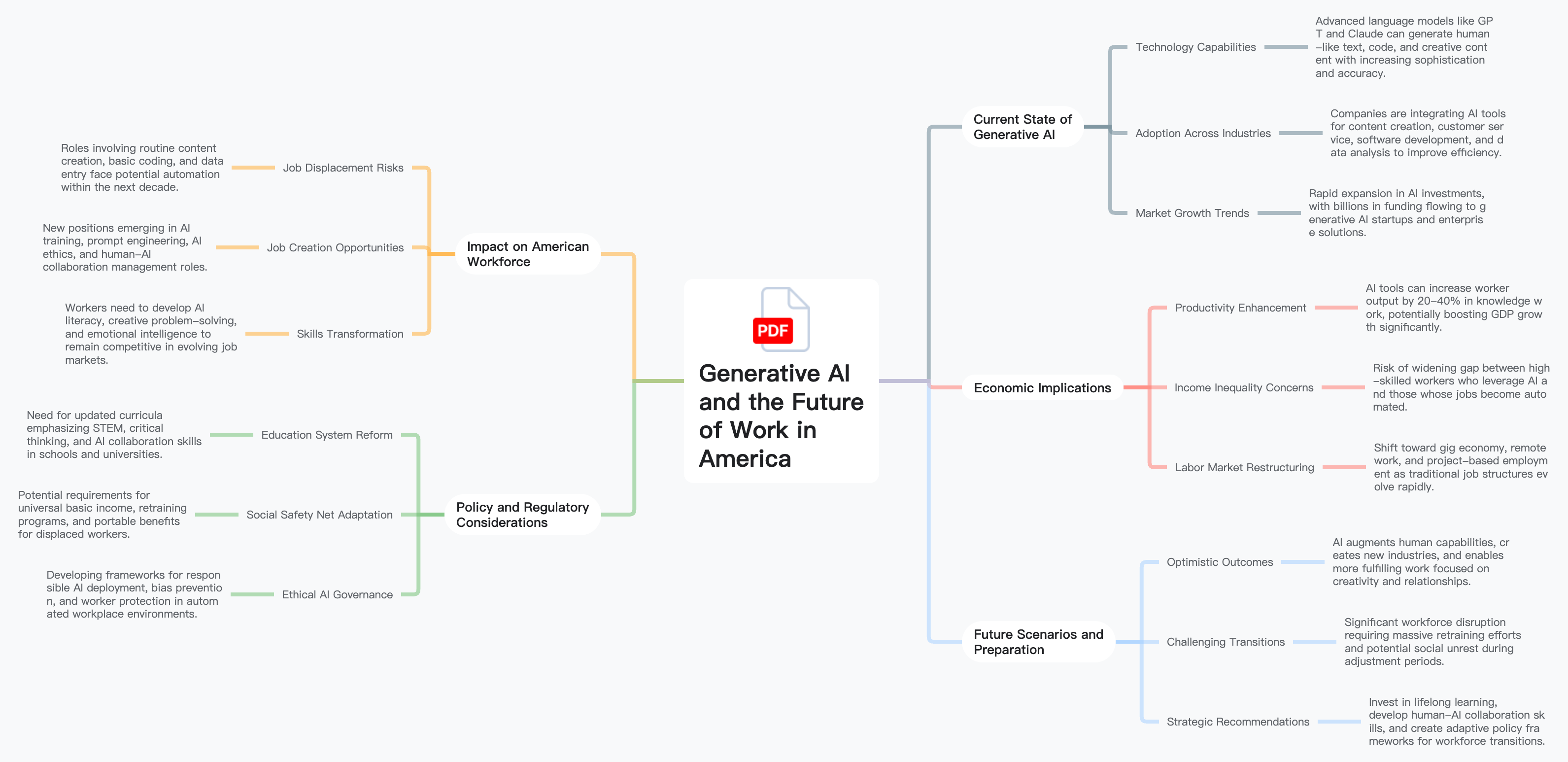
Restructure any PDF document into an interactive, hierarchical mind map. Unlike simple summarization, our converter preserves the full structure — headings, sections, subsections — and transforms them into a navigable visual mind map.
Full Document Structure Mapping
Preserves headings, sections, and subsections from your PDF, converting the complete structure into mind map branches.
Visual Content Organization
Transforms linear PDF content into a spatial, hierarchical layout that reveals relationships between sections.
Navigable Interactive Maps
Creates expandable and collapsible mind maps that let you drill into specific sections or zoom out for the full overview.
How to Convert PDF to Mind Map
Transform any PDF into a structured visual mind map in seconds. Our AI reads the document's structure and builds an interactive map.
Upload Your PDF
Drag and drop your PDF file, or click to browse. Supports reports, textbooks, manuals, articles, and any PDF type.
AI Structure Analysis
Our AI scans headings, paragraphs, lists, and formatting to detect the organizational structure and content hierarchy.
Get Your Mind Map
Receive an interactive mind map that mirrors your PDF's structure — every section and key point mapped as navigable branches.
Customize & Export
Edit nodes, reorganize branches, change themes, and export in PNG, SVG, PDF, or Markdown.
Who Benefits from PDF to Mind Map Conversion?
Our converter is for anyone who needs to visually navigate, study, or present the structure of PDF documents.
Students
Convert textbook chapters and study materials into visual mind maps for more effective learning.
Researchers
Transform research papers and technical documents into structured maps for better navigation.
Business Professionals
Convert lengthy reports and proposals into visual mind maps for faster comprehension.
Legal Professionals
Map the structure of contracts and legal briefs to quickly navigate clauses and key sections.
Technical Writers
Visualize the structure of manuals and documentation to improve organization and identify gaps.
Educators & Trainers
Convert curricula and training manuals into visual mind maps for lesson planning.
Why Choose AI PDF to Mind Map Converter?
PDFs are static and linear — mind maps are dynamic and visual. Our AI restructures your document into an interactive map.
Complete Structure Preservation
Unlike summarizers that condense content, our converter maps the full document structure so you don't miss any sections.
Visual Navigation
Explore your document spatially — expand sections you care about, collapse ones you don't.
Better Retention
Visual mind maps improve comprehension and recall compared to reading linear documents page by page.
Instant Conversion
Upload any PDF and get a structured mind map in seconds — no manual diagramming required.
Frequently Asked Questions
Get answers to common questions about our AI PDF to mind map converter.
The PDF Summarizer condenses your document into a shorter summary. The PDF to Mind Map converter maps your entire document's structure into a visual mind map, preserving all sections and hierarchy.
Our converter works especially well with structured documents that have clear headings — textbooks, reports, manuals, research papers, and technical documentation.
Yes! New users receive 400 credits upon signup with no credit card required.
The converter maps your document's structure and key content into branches. For very long documents, it captures all major sections with their most important content.
Absolutely! You have full editing control to modify text, add or remove branches, reorganize hierarchy, and change themes.
Free accounts support PDFs up to 10MB. Premium accounts support up to 50MB, covering documents of several hundred pages.